Most people's flight history lives in three places at once: an airline account, a stack of old confirmation emails, and memory. None of them show you the shape of it. A map does, and building one is mostly just typing airport codes.
The four steps
-
Open the app and start a map
Go to the RoutesFlown app and create a new map. There is nothing to install and no sign-up wall — you can add flights immediately and decide later whether you want to save them.
-
Add your flights by airport code
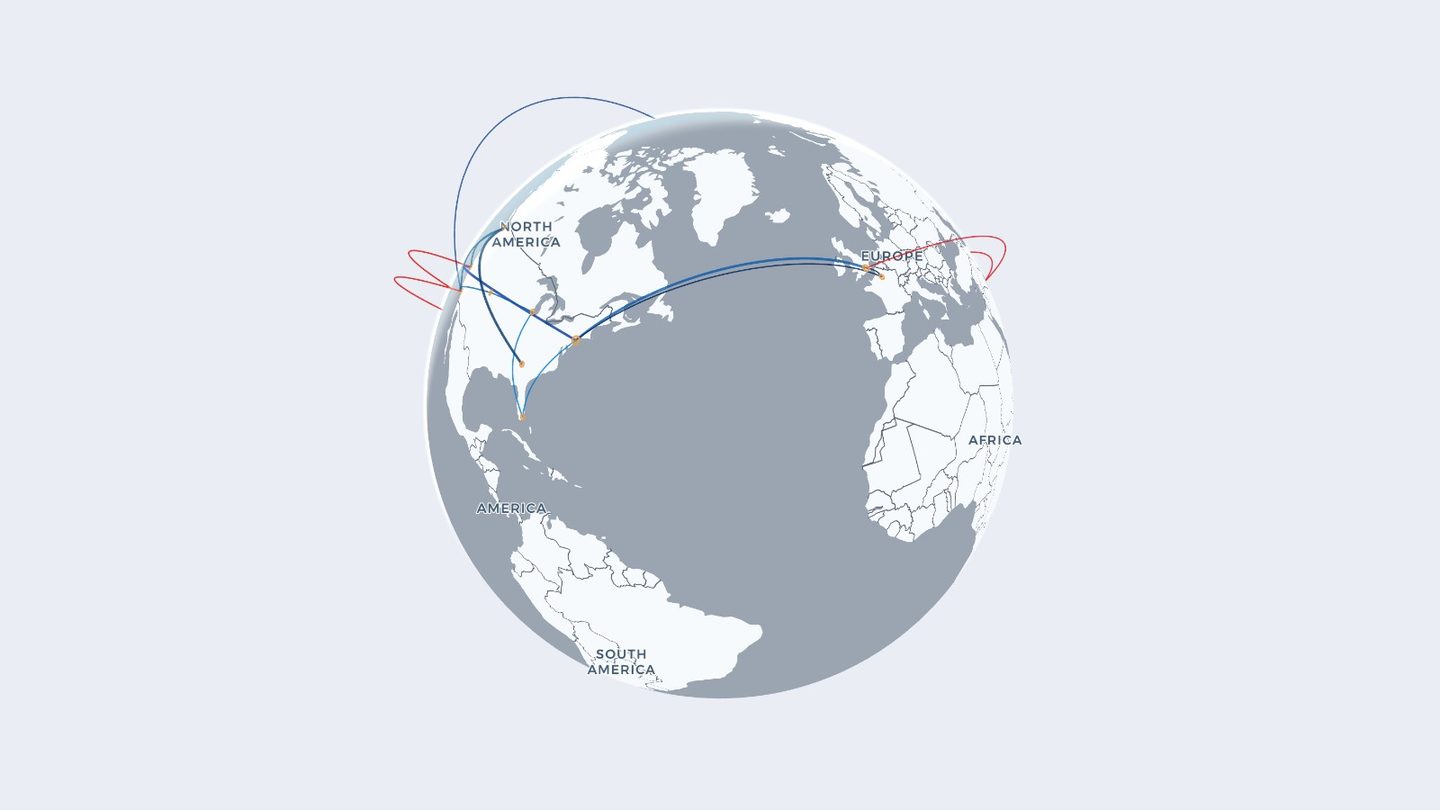
For each leg, type the departure and arrival airports and, if you know it, a date. Search by IATA code (JFK), by ICAO ident (KJFK), or just by city name. The moment you add one, the route arcs across the globe.
Work through your trips however you actually remember them: year by year, destination by destination, or straight down your inbox. Order doesn't matter — the map sorts itself by date.
-
Style it until it looks like yours
Switch between the 3-D globe and a flat map, pick a base style, and set route thickness and airport dot size. Colour routes by airline and each carrier gets its own shade automatically. Everything updates live, so it's worth playing with.
-
Save it, then share it
Sign in with an email address (no password) and the map syncs across your devices. When it looks right, share a link — whoever opens it watches your map replay, route by route — or export an animated GIF of the globe turning.
You don't have to finish in one sitting. The map saves as you go, so you can keep adding legs for weeks as you dig up old itineraries.
What the map works out for you
As the routes pile up, RoutesFlown keeps a running count, so the map doubles as a record you never had to keep:
- Flights — every leg you've added.
- Miles — the great-circle distance of each one, summed.
- Airports — how many unique fields you've touched, and which one you've used most.
- Most-flown aircraft — if you fill in the aircraft field as you go.
If you already have your flights in a file
Typing is fine for a few dozen legs. Past that, it's faster to import. If your flights already exist as a spreadsheet, a logbook export, or a monthly statement, skip the typing entirely:
- A flight map for pilots — uploading a logbook export.
- Map your private jet flights — turning owner statements into a map.
Ready to map your flights?
Add your first route in seconds. Free, and no account needed.
Open RoutesFlown →Keep reading: How many flights have I taken? · How to visualize your travel history