Map every flight
you've ever flown.
Turn your travel history into a beautiful interactive globe — then share a rotating map of everywhere you've been.
Start mapping →
Free · no account needed to start
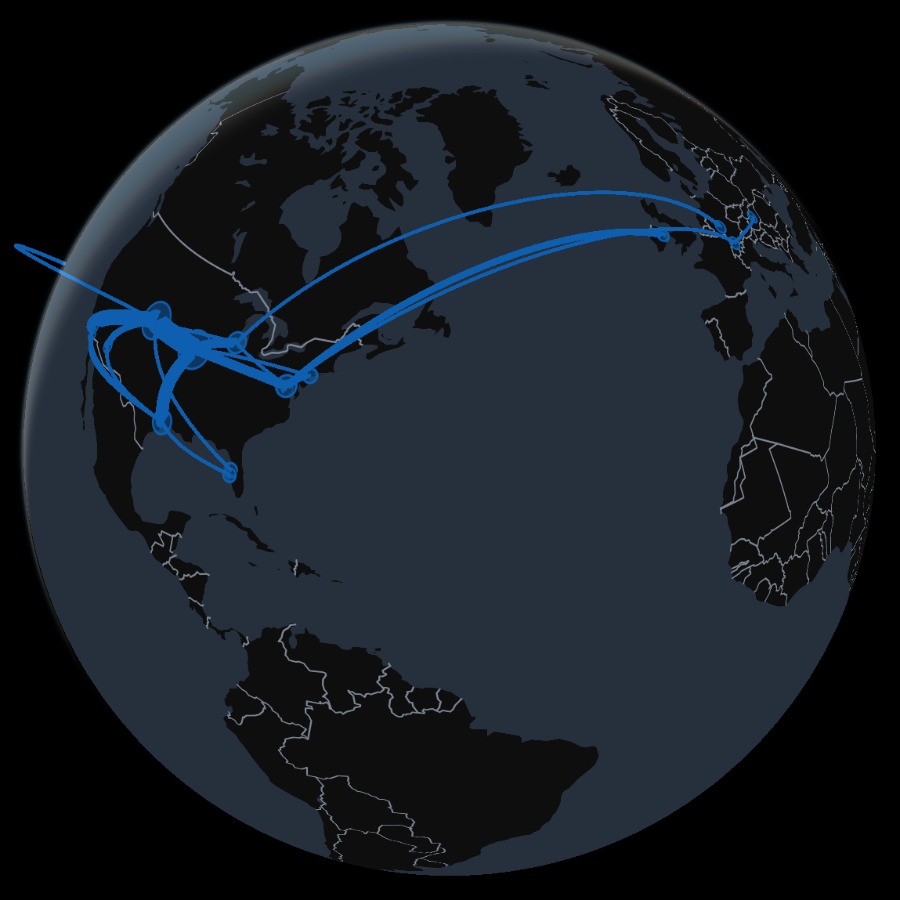
Turn your travel history into a beautiful interactive globe — then share a rotating map of everywhere you've been.
Why RoutesFlown
Everything you need to log where you've flown and turn it into something worth sharing — no spreadsheets, no fuss.
Spin a 3-D globe or switch to a flat map. Your routes arc smoothly across both, styled your way.
Search by IATA or ICAO code — from major international hubs down to small general-aviation strips.
Export a rotating GIF of your map in one click — ready to post, with nothing to edit.
Sign in with just your email — no password — to save your flights and keep them across every device.
How it works
Type a from and to, pick your airline, and go. Or load a sample set to see it work instantly.
Every route arcs across the map and your most-visited airports light up automatically.
Export the rotating globe as a GIF and post it anywhere — Instagram, Reddit, wherever.
FAQ
Open RoutesFlown, type each flight's from and to airport, and every route instantly arcs across an interactive globe or flat world map. There's nothing to install — it runs in your browser, and you can start without signing up.
Yes. RoutesFlown is completely free — map unlimited flights, switch between the 3-D globe and flat map, and export a rotating GIF at no cost.
Yes. Export your map as a one-click rotating GIF to post on Instagram, Reddit, or anywhere, or share a link to an interactive replay of your routes.
No account is required to start mapping. Sign in later with just your email or Google — no password — to save your flights and sync them across every device.
Over 30,000 airports worldwide are searchable by IATA or ICAO code, from major international hubs to small general-aviation strips, and you can tag each flight with its airline.
Yes. RoutesFlown works in any modern mobile browser on iOS and Android — spin the globe, add flights, and export your map right from your phone.
Map your flights now — it's free, and you don't need an account to begin.
Start mapping →